
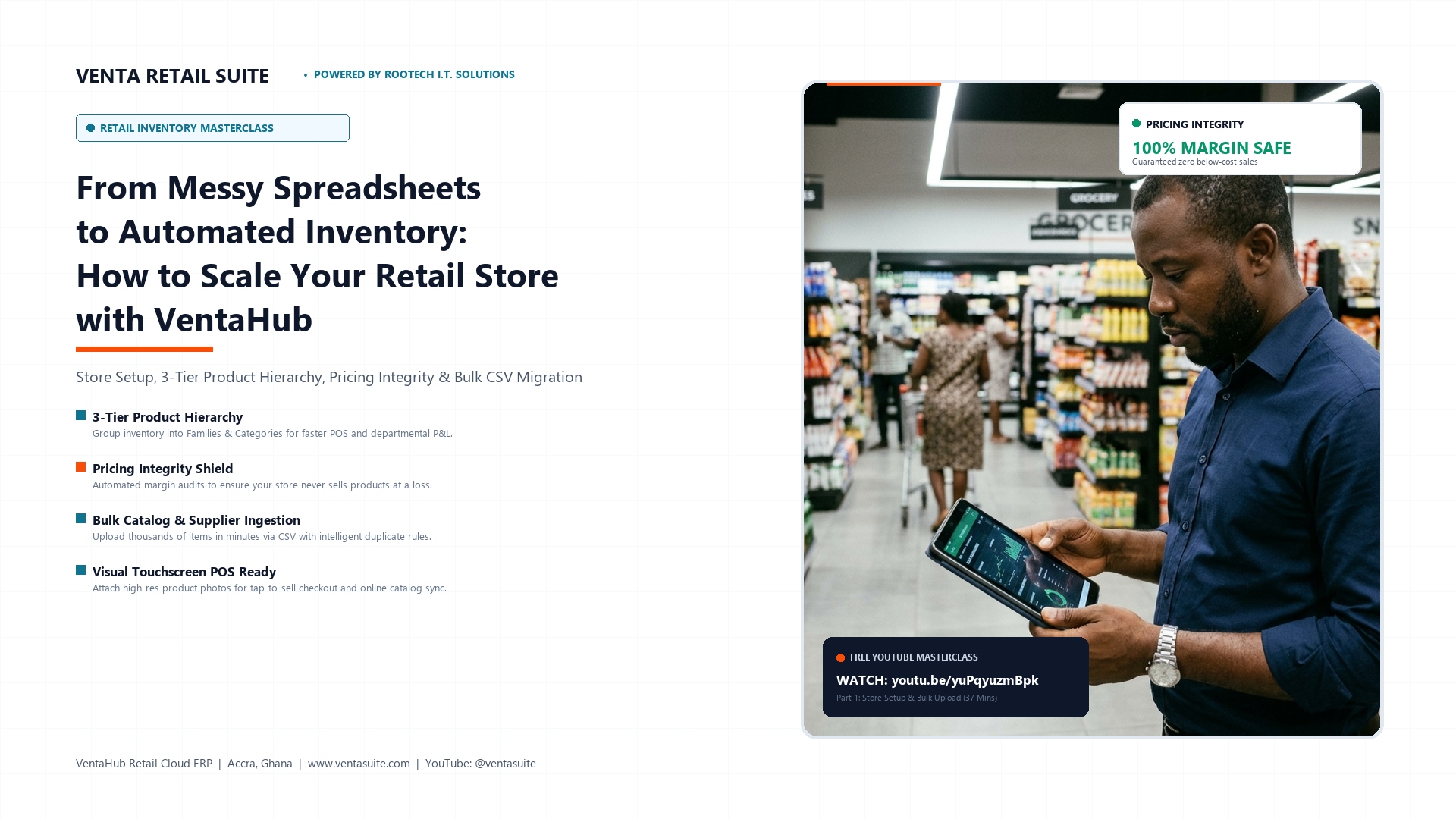
From Messy Spreadsheets to Automated Inventory: How to Scale Your Retail Store with VentaHub
Published by: Solomon Uyin, Founder & Lead Solutions Architect at Rootech I.T. Solutions Ltd
Category: Retail Technology, Cloud ERP & Inventory Management
Target Audience: Supermarket Owners, Pharmacy Directors, Retail Wholesalers, Boutique Founders & Store Operations Managers
The Hidden Cost of Managing Retail Inventory on Spreadsheets
If you run a retail business—whether it is a busy supermarket, a community pharmacy, a wholesale warehouse, or a boutique—you probably started tracking your stock using Microsoft Excel, Google Sheets, or a physical notebook.
In the beginning, when you only had 50 to 100 products, spreadsheets felt simple and free.
Power Your Business with Venta Retail Suite & Enterprise Tech
From offline-ready retail POS billing & cloud ERP to enterprise servers, CCTV surveillance, and managed Wi-Fi, Rootech IT Solutions equips businesses in Ghana for 24/7 reliability.
However, as your business grows past 1,000 items, multiple suppliers, and high-frequency daily sales, manual spreadsheet tracking quickly transforms into a major operational bottleneck:
- Accidental Pricing Errors: Cost prices rise due to supplier price adjustments or currency shifts, but your retail selling prices remain unchanged. Before you realize it, your cashiers are ringing up products at a break-even rate—or even at a direct loss.
- Stock Discrepancies & Leakage: Without real-time synchronization between the stockroom and the checkout counter, unexplained inventory deficits emerge at the end of each month.
- Slow Checkout Lines: Cashiers spend precious seconds searching through disorganized product lists or typing codes manually because items lack a structured catalog hierarchy.
- Administrative Fatigue: Manually updating prices and reordering stock across hundreds of supplier invoices takes hours of tedious data entry.
To scale profitably, modern retailers need an automated system that connects stock receiving, pricing integrity, catalog structure, and point-of-sale operations into a single source of truth.
In our latest video masterclass, Solomon Uyin breaks down how to set up your retail inventory from scratch using VentaHub—the cloud retail ERP engine powering Venta Retail Suite.
Here is the architectural blueprint for structuring your store catalog, preventing losses, and automating your inventory.
1. The 3-Tier Product Hierarchy: Transforming Raw Stock into Actionable Intelligence
A common mistake retail owners make when moving to digital software is dumping thousands of unorganized items into a single flat list. When this happens, reporting becomes chaotic, and finding items on a touchscreen POS is nearly impossible.
VentaHub solves this by implementing a structured 3-Tier Product Hierarchy:
Tier 1: The Product Family Master (Broad Department)
The Family Master represents your store’s primary departments (such as Beverages, Packaged Foods, Toiletries, Dairy, or Pharmaceuticals).
- Why it matters: Establishes departmental accounting. At the end of each week or month, you can immediately see which department generated the highest gross revenue and margin.
Tier 2: The Product Group Master (Sub-Category)
Within each family, items are organized into distinct categories (such as Carbonated Drinks, 100% Fruit Juices, Baby Care, or Antibiotics).
- Why it matters: Enables your cashiers to locate products in two quick taps on a touchscreen terminal without typing or memorizing barcodes.
Tier 3: The Individual Product Card (Single SKU)
The foundation of your catalog. Each Product Card houses the unique barcode, unit cost price, selling price, reorder threshold, tax classification, and supplier details for that specific item (e.g., Ceres Apple Juice 1L).
- Why it matters: Ensures every physical unit leaving your store is accounted for, mathematically validated, and tied to historical cost records.
2. Pricing Integrity: The Automated Shield Against Selling at a Loss
In emerging markets, supplier wholesale prices and shipping costs can fluctuate rapidly. If your retail software does not actively cross-check cost prices against retail prices, you risk selling fast-moving inventory at negative margins.
VentaHub features a built-in Pricing Integrity Engine directly on the inventory dashboard:
- Real-Time Cost vs. Selling Price Audit: The system continuously calculates the exact percentage margin for every item in your catalog.
- Negative Margin Warning System: If a product’s selling price drops below its landed cost—or falls below your pre-set gross margin threshold—the system immediately flags it in red.
- Checkout Safeguards: Prevents cashiers and junior staff from applying unauthorized manual discounts that would push sales below cost.
By making pricing integrity an automated checkpoint, business owners can protect their net margins without manually recalculating spreadsheets every evening.
3. Bulk Importing Products & Suppliers via CSV
Entering 5,000 products one-by-one into a software system can take weeks. With VentaHub, you can migrate your entire catalog in minutes using standardized CSV templates or Google Sheets exports.
The 3-Step Bulk Upload Process:
- Prepare Your Data: Fill in your product names, barcodes, cost prices, selling prices, and category assignments into the VentaHub CSV template.
- Bulk Supplier Ingestion: Import your registered suppliers, payment terms, and contact numbers. VentaHub automatically links these suppliers to your Accounts Payable (AP) ledgers.
- One-Click Catalog Ingestion: Upload your CSV file to populate your live catalog instantly.
Intelligent Duplicate Handling: "Update" vs. "Ignore"
When uploading catalogs, VentaHub gives business owners total control over how duplicates are handled:
- Select "UPDATE": Use this mode when you want to modify existing products in bulk—such as updating prices across 500 items due to inflation or seasonal promos.
- Select "IGNORE": Use this mode when adding new supplier stock shipments. The system ingests only brand new items while keeping all existing products, live stock counts, and approved prices 100% protected.
4. Visual Product Cards & Touchscreen POS Readiness
Modern retail requires speed. Today’s customers expect fast, accurate checkout experiences without long queues.
In VentaHub, every item card supports high-resolution Product Image Uploads:
- Visual Tap-to-Sell POS: Cashiers can identify items visually on touchscreen terminals, drastically speeding up service during peak rush hours and eliminating barcode scanning failures.
- E-Commerce & Digital Menu Sync: Product images uploaded to VentaHub automatically sync with your online store, customer-facing displays, and mobile ordering apps without redundant data entry.
Watch the Full 37-Minute Masterclass
Want to see the entire step-by-step setup demonstrated live on screen?
Watch Part 1 of the VentaHub Inventory Management Series on YouTube:
▶ Watch Here: VentaHub Inventory Management Part 1: Store Setup, Suppliers & Bulk Product Import
Video Chapters:
00:00— Introduction: Moving from Spreadsheets to Automated Inventory01:15— Exploring the VentaHub Inventory Dashboard & Interface05:30— Initializing Store Defaults (Families, Groups & Categories)08:35— Understanding Stock Metrics & Pricing Integrity Rules14:35— Designing Your 3-Tier Product Hierarchy21:30— Setting Up Suppliers & Accounts Payable Integration30:15— Preparing Your Excel & Google Sheets CSV Templates34:00— Bulk Ingestion & Duplicate Handling (Update vs. Ignore)36:30— Dashboard Audit & Preview of Part 2
Ready to Modernize Your Retail Store?
Stop losing money to spreadsheet errors, stockouts, and manual pricing mistakes.
Whether you are opening a new retail location or upgrading your existing multi-branch stores, Venta Retail Suite by Rootech I.T. Solutions delivers the enterprise cloud ERP, touchscreen POS hardware, and data architecture your business needs to scale.
Schedule a Free Consultation & Demo:
- Company: Rootech I.T. Solutions Ltd
- Office: Room 6, Japan Motors Building, Adenta, Accra, Ghana
- Phone / WhatsApp: +233 24 511 9062 / +233 24 511 9062
- Email: info@rootechits.com | solutions@rootechits.com
- Website: www.rootechits.com
- YouTube Channel: @ventasuite